
Garage software for Bahrain workshops. Bookings, bays and VAT-ready invoices in BHD.
Run bookings, job cards, bays, parts inventory, invoices, payments, customer updates and reports from one connected system.
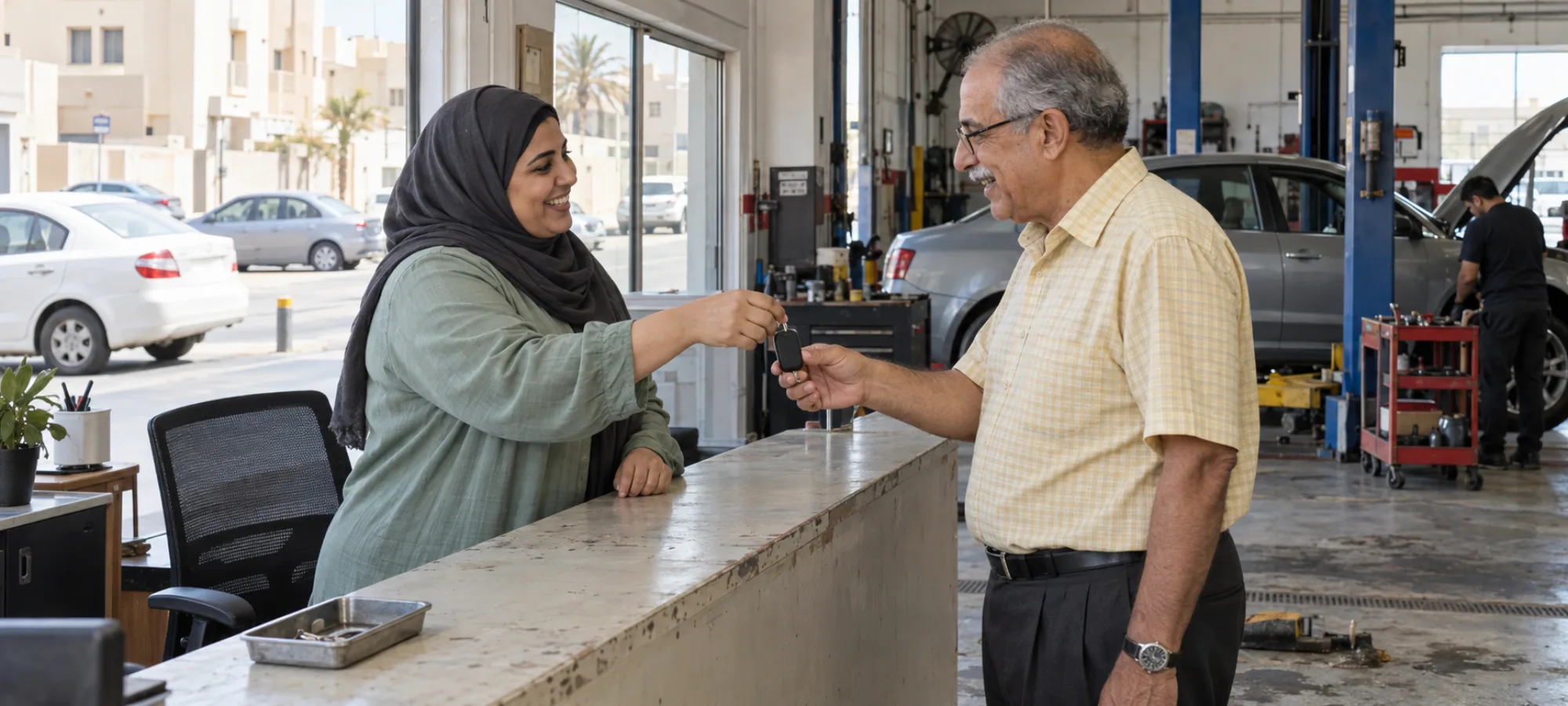
What changes for a Bahrain workshop. VAT, currency and a mixed customer base.
-
VAT-ready invoices in BHD
Set the 10% VAT rate once and add your tax registration number. Estimates, invoices, deposits and payments show BHD.
How invoicing works -
Bahraini and expatriate customers
Keep customer records, vehicle history, inspection photos, estimates, approvals, invoices and updates in one place. The booking page lets customers choose English or Arabic, and the dashboard switches to right-to-left in Arabic.
How customer history works -
Approvals and updates on WhatsApp
WhatsApp is the channel Bahrain customers prefer. Estimates and invoices open in WhatsApp with the message and link ready, and you tap send. Service reminders can also go by email on their own.
How estimate approval works
Heat, sea air and island traffic. The work Bahrain sends you.
The island climate and dense roads create steady maintenance work all year.
- Desert heat AC strain, battery stress and cooling systems working hard in 45°C summers.
- Humidity and salt Corrosion from sea air, wear on electrical parts and paint oxidation.
- Island traffic Stop-and-go driving on a small road network wears brakes and transmissions.
Booking to paid invoice. The same workflow in every market.
Each stop links to its full feature page. Those pages use US terms, where a job card is called a repair order. The workflow is the same in Bahrain.
-
Booking
Customers pick a slot on your online booking page, day or night. Walk-ins and phone bookings go in the same diary.
Read how it works : Booking -
Inspection
Check the car in with a pre-inspection checklist, photos and video, before any work starts.
Read how it works : Inspection -
Estimate and approval
Send the estimate link by WhatsApp. The customer approves, holds or declines each line.
Read how it works : Estimate and approval -
Job card on a bay
Approved work becomes a job card on a bay, with a technician, a live timer and hold states for parts or approval.
Read how it works : Job card on a bay -
Invoice and payment
The invoice fills in from the job and the approved estimate, in BHD with 10% VAT. Record full or part payments and the balance updates.
Read how it works : Invoice and payment -
Reports
See what the workshop finished, billed and collected over the period you pick.
Read how it works : Reports
Questions workshops ask
Is autoGMS suitable for small Bahraini workshops?
Yes. It suits small workshops that want to move bookings, jobs, customer records, estimates and invoicing out of scattered tools. Start with one location and add users or garages later.
How long does implementation take?
It depends on your data, team size and setup. Start with the core: services, users, booking rules, customer records, job cards, estimates and invoices.
Is autoGMS available in Arabic?
Yes. Set the dashboard to Arabic and it switches to right-to-left. Documents such as delivery notes follow the garage language, and the online booking page lets customers choose English or Arabic.
Can I run more than one branch?
Yes. Group your garages under one organization and switch between them. The garage list shows bookings, revenue and customers for each branch. Each garage keeps its own dashboard.
Be live in 5 minutes. Free. No card, no call.
Add your shop, your services and your labor rate, and your online booking page goes live. It stays free. The full shop system is free for 14 days.