1 Take the photos
Front, rear, both sides, interior, odometer and any damage, with the phone's camera. Add a short video for a noise or a leak.

1 Bring the work in
Appointment schedulingBooking managementCustomer communicationCustomer and vehicle history2 Do the work
Repair ordersVehicle inspectionsEstimates and approvalsTechnician managementParts and inventory3 Get paid, see the numbers
Invoicing and paymentsShop reportingFinancial reporting See all 13 features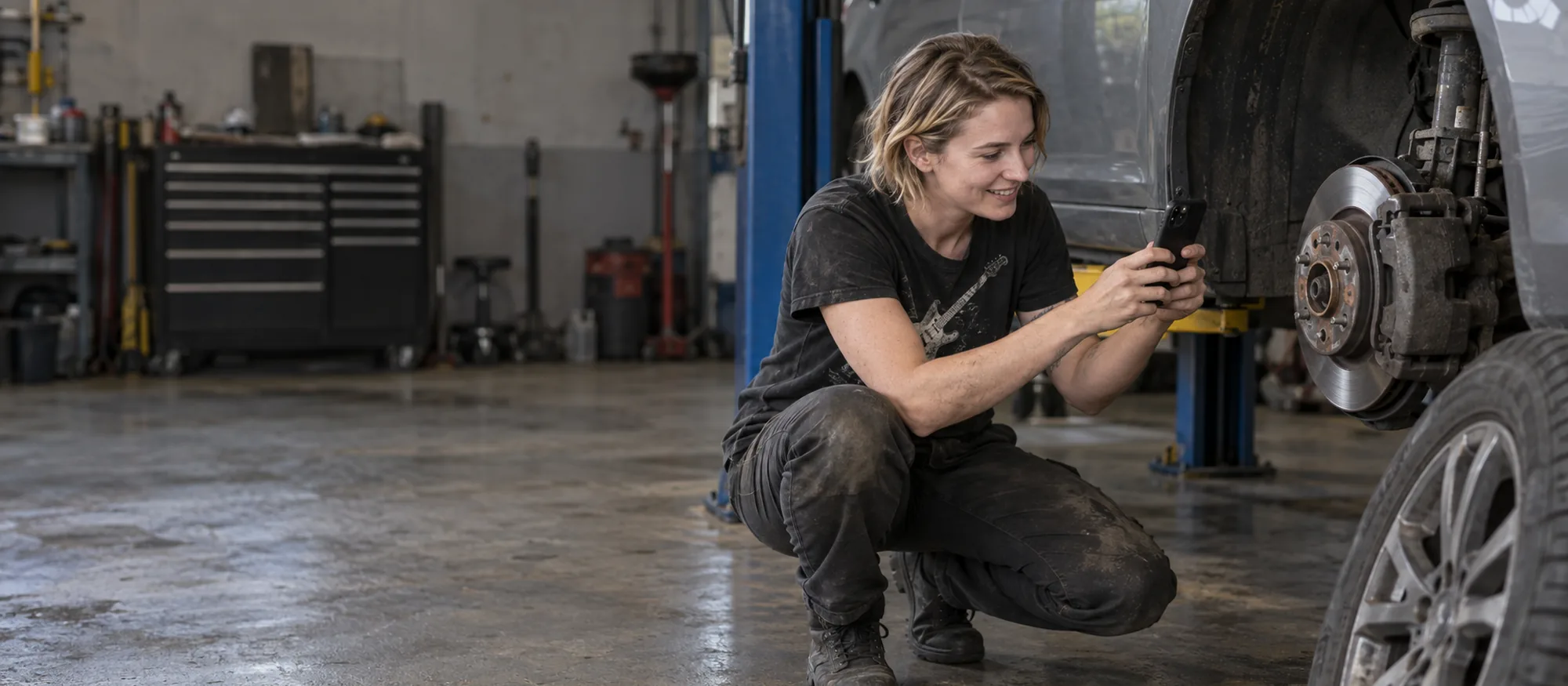
2019 Honda Accord · LKP-4821
62 passed · 2 need attention
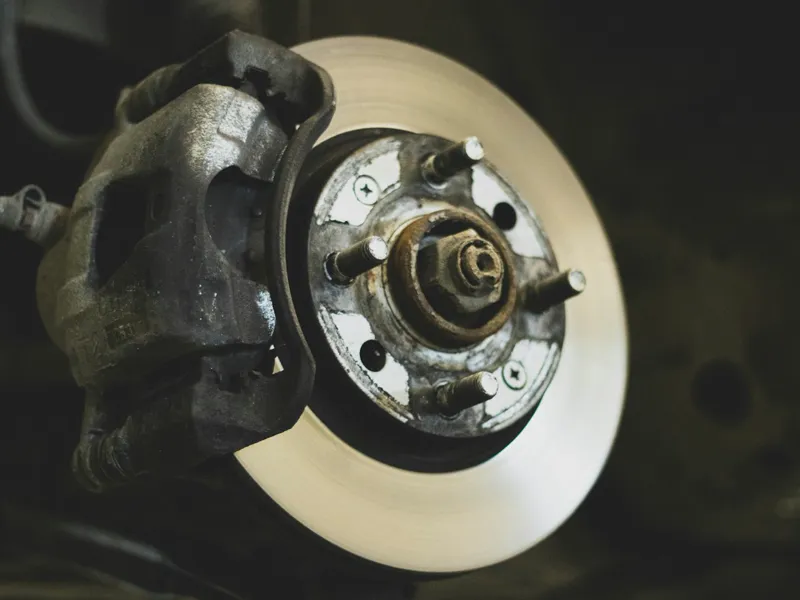
Replace now. New pads are 10 mm; below 3 mm they can score the rotors. · Carlos R.
Best replaced with the pads. · Carlos R.
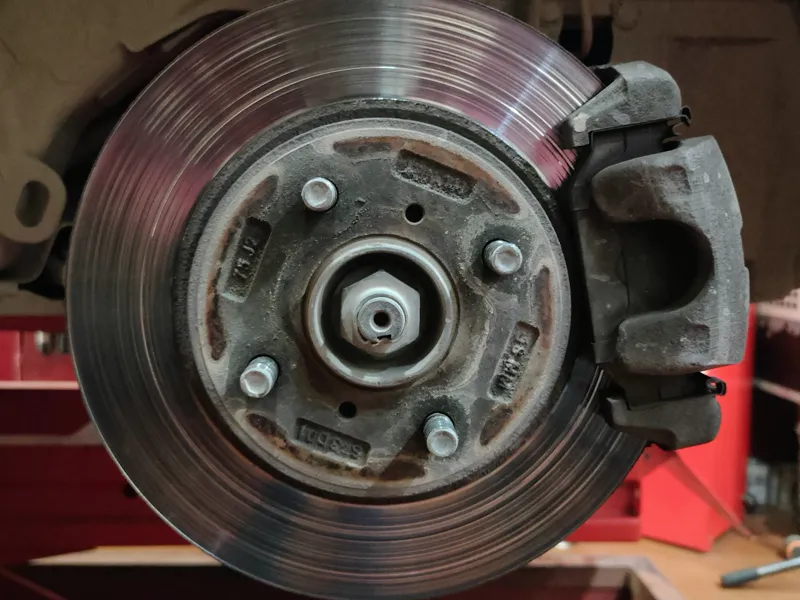
Photos and video · 7
 0:14
0:14 Estimate
Front brake pads, ceramic$89.95
Front rotors × 2$164.00
Brake labor, 1.8 h$243.00
Sales tax$20.95
Total$517.90
Front, rear, both sides, interior, odometer and any damage, with the phone's camera. Add a short video for a noise or a leak.
Damage · front left brake Photos7 of 8 · LKP-4821
Damage + Video Mark each point Pass, Fail or Advisory, and add a note where it matters.
Fail · Brake pads at 2 mm, replace now.Tires and tread depth
Pass Fail AdvisoryBrake pads
Pass Fail Advisory Brake pads at 2 mm, replace now. Rotors
Pass Fail AdvisoryBrake fluid
Pass Fail AdvisorySteering and suspension
Pass Fail AdvisoryLights
Pass Fail AdvisoryBattery
Pass Fail AdvisoryEmail it from autoGMS, or open WhatsApp with the message and link ready. You can also copy the link.
Send inspection report
John Miller · 2019 Honda Accord · 2 items need attention
Hi John, your Accord's inspection is ready. 2 items need attention. See the photos and the estimate here:
lopezauto.myautogms.com/r/8KQ2-LKPLink copied
They see what needs attention, then approve or decline the estimate from the report. You're notified either way.
Estimate
Front brake pads, ceramic $89.95
Front rotors × 2 $164.00
Brake labor, 1.8 h $243.00
Sales tax $20.95
Total$517.90
Approved. Lopez Auto Repair has been told.
2019 Honda Accord · LKP-4821
62 passed · 2 need attention
Replace now. New pads are 10 mm; below 3 mm they can score the rotors. · Carlos R.
Best replaced with the pads. · Carlos R.
Photos and video · 7
0:14 Estimate
Front brake pads, ceramic$89.95
Front rotors × 2$164.00
Brake labor, 1.8 h$243.00
Sales tax$20.95
Total$517.90
Record the condition at drop-off, before anyone works on it.
Photos, video, odometer and the full checklist. This is the report the customer sees.
A manager or senior tech signs off before the job can be marked complete.
Pick a template by vehicle type or job type, such as a pre-Fahes check for Qatar, or add your own points in the Custom section.
Make any of them required. A required pre-work inspection has to be finished before the vehicle can go on a bay.
Help center: Pre-work inspection reportsInspection workflow
No. The report opens from the link on any phone, tablet or computer.
Yes. Photos can still be added. The checklist and the completion time stay locked, so the record holds up.
Yes. Make the pre-work inspection required, and the vehicle can't go on a bay until it's complete.
No. The free vehicle lookup tool checks a VIN for recalls. Inspections record what your tech found on the car in front of them.
Add your shop, your services and your labor rate, and your online booking page goes live. It stays free. The full shop system is free for 14 days.