Follow the job from first booking to final report
Use this hub to choose the feature page that matches the part of the workflow you want to improve.
Capture the work
Start with online bookings, phone calls, walk-ins, customer records, and vehicle details.
Plan the day
Turn demand into a schedule your front desk, bays, and technicians can actually run.
Run the job
Move work through job cards, bays, technician assignments, parts, approvals, and updates.
Invoice and report
Keep invoices, VAT records, payments, finance reports, analytics, and CRM follow-up connected.
Choose the workflow you want to fix first
Each page below goes deeper into one part of the garage workflow, with direct links into the features that matter most for that job.

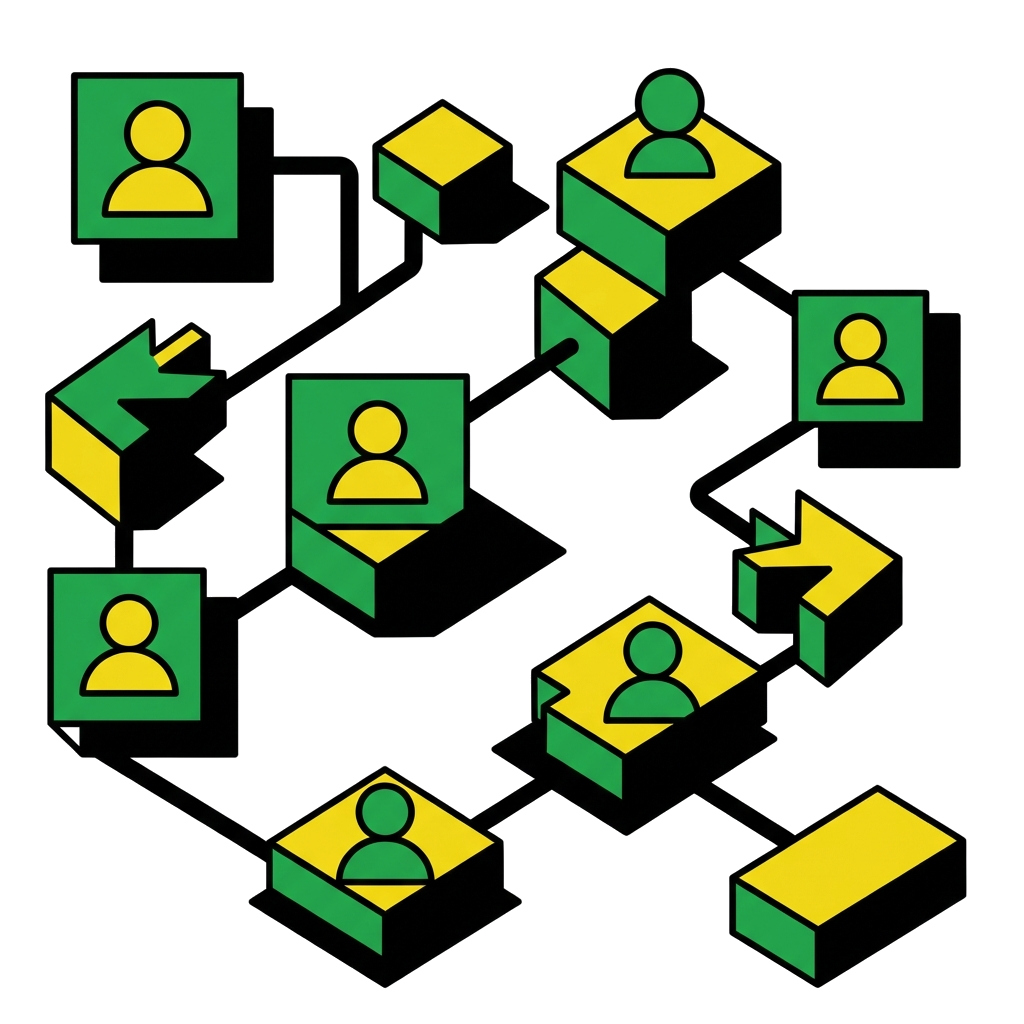

See the Connected Workshop Workflow
Book a demo to see how bookings, bays, job cards, inventory, invoices, reports, and customer records connect inside autoGMS.
Ready to transform your workshop?
See how autoGMS connects bookings, bays, jobs, inventory, invoices, reports, and customer records.
Garage Management Software Features: FAQs
Common questions about the AutoGMS feature set and where each workflow fits.