autoGMS logo
autoGMS logo
Pricing
About
Sign in
Book demo
autoGMS

Garage management software made for auto repair shops. Manage jobs, bays, technicians, bookings, and customers in one platform.

hi@myautogms.com

Dubai, UAE · London, UK

Features

Garage Software OverviewOnline BookingCRM & MarketingAccounting & FinanceBusiness AnalyticsBooking ManagementCustomer RecordsParts InventoryJob Cards & BaysTechnician WorkloadVAT Compliance

Guides & Tools

  • Profit Calculator
  • Management Guide
  • Booking & Scheduling Guide
  • Automotive Glossary
  • Health Check
  • Invoice Generator
  • US Vehicle Lookup
  • Product Demo
  • AutoGMS vs Tekmetric

Shop Types

General Repair ShopsIndependent ShopsMobile Repair ShopsSpecialty Shops

Locations

DubaiAbu DhabiUAESaudi ArabiaKuwaitQatarBahrainOman

Company

AboutPricingBlogSecurityLogin

© 2026 autoGMS. All rights reserved.

PrivacyTerms
TwitterLinkedInMediumYouTube
Garage technician management software

Garage Technician Software for Workload & Dispatch

Assign jobs by skill, see who is free or overloaded, and connect technician work to job cards, bays, invoices, and performance reports.

Skill-based assignment|Live workload visibility|Technician performance reports

Keep technicians, bays, and job cards in sync

autoGMS connects technician assignments to the same bookings, bays, job cards, invoices, and reports your workshop already runs from.
See How It Works

Assign by skill

Route specialist work to the right technician instead of assigning jobs by habit.

Balance workload

See who is active, free, overloaded, or blocked before the next job is dispatched.

Report on output

Connect technician work to job completion, timing, invoices, and workshop analytics.

Technician work breaks when workload is invisible

When jobs are assigned from memory, managers miss overloaded technicians, idle capacity, wrong skill matches, and blocked bay work. autoGMS keeps technician ownership visible inside the workshop workflow.
See technician dispatch in action

Your strongest tech gets every hard job while someone else waits for work. The bottleneck only shows up once customers start chasing.

Technician dispatch from booking to completed job

Assign the right person, keep the job card owned, track progress from the bay, and carry technician work into performance reports.

01/Team Visibility

See every technician at a glance

  • One live rosterSee who is active, available, blocked, or already assigned without checking whiteboards or group chats.
  • Profiles with skillsKeep technician skills and specialisations close to the assignment workflow.
  • Clear job ownershipEach job has an owner, so advisors and managers know who is moving it forward.
  • Connected to workshop job cardsAssignments flow onto the same job card technicians already work from.

Garage technician management software showing the full team roster, live availability, and skills tracking on one screen
02/Workload Balancing

Balance technician workloads

  • Live capacitySee who has room before handing out the next job, not after the delay appears.
  • Fairer distributionAvoid burying the same technician while other team members wait for work.
  • Skill-aware assignmentMatch specialist jobs to specialist technicians and simpler work to the right available person.
  • Earlier bottleneck signalsSpot pile-ups while there is still time to reassign work.
Technician workload balancing view showing real-time capacity and fair job distribution across a garage team
03/Smart Dispatch

Dispatch jobs by skill

  • Skill-based matchingRoute work to someone equipped to finish it instead of assigning by habit.
  • Workload-aware choicesCheck who is already busy before committing the next technician.
  • Manager overrideKeep manual control when the floor needs a practical exception.
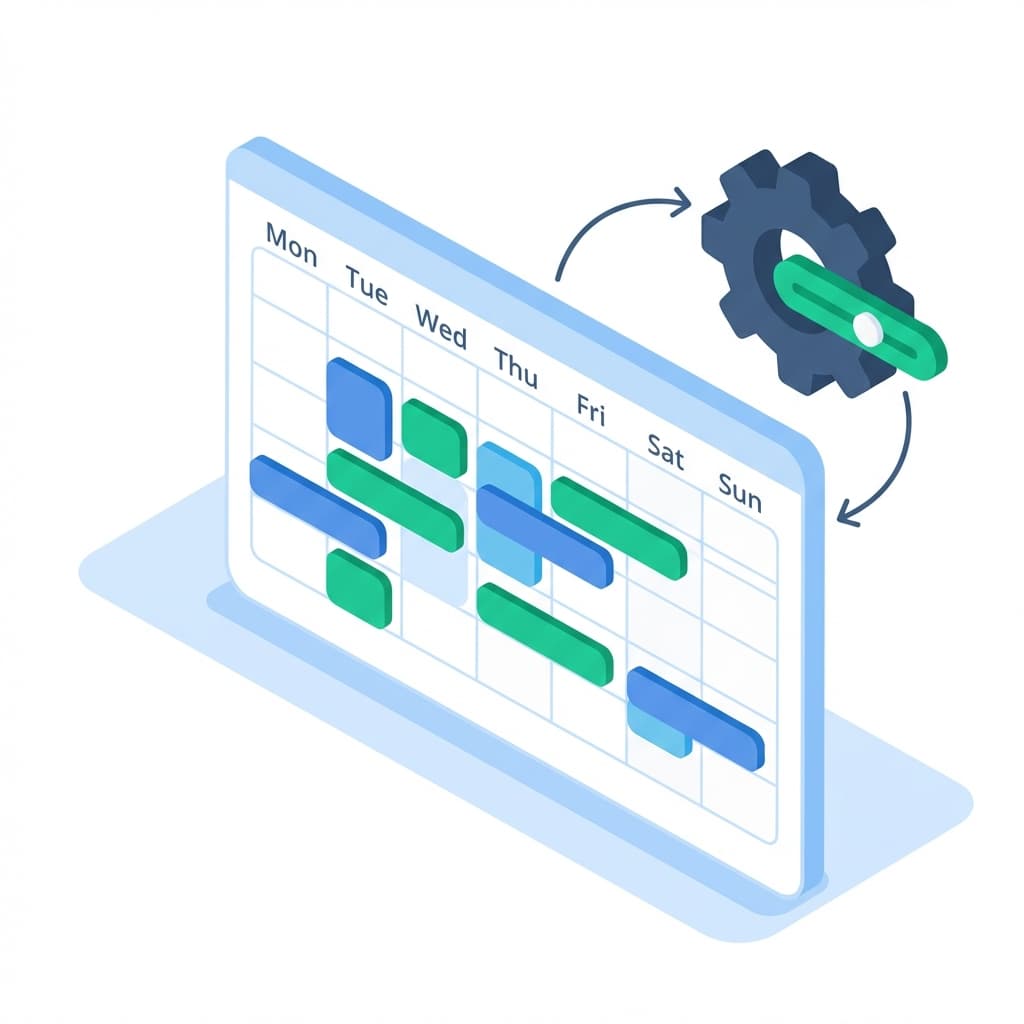
  • Synced to the booking scheduleUse live booking demand to keep promised timelines realistic.
Smart technician dispatching dashboard matching jobs to mechanics by skill, workload, and availability
04/Live Tracking

Track work from the bay

  • Live status per personKnow which job each technician is on and what is queued next.
  • Elapsed time on jobsSee when a repair is taking longer than expected before it breaks the schedule.
  • Output by technicianReview completed jobs, speed, and efficiency with less guesswork.
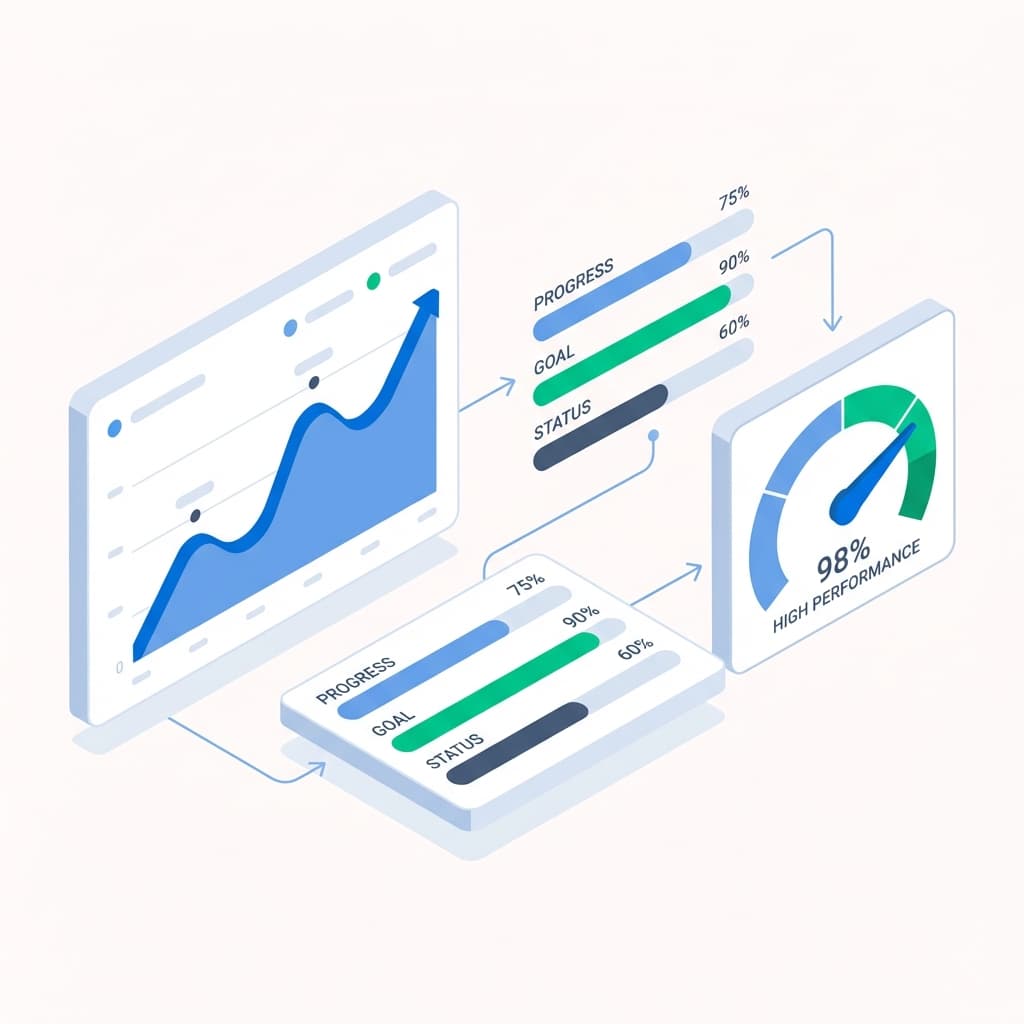
  • Feeds performance analyticsTechnician work can roll into wider workshop reporting.
Real-time technician monitoring showing live job status, elapsed time, and completion rates for each mechanic
05/Instant Search

Find technician records fast

  • Search the teamFind a technician quickly by name instead of digging through old messages.
  • Availability at a glanceSee if someone is free, active, or off shift before assigning work.
  • Skills lookupFind the right specialist when a job needs specific experience.
  • Job historyReview previous work for warranty checks, repeat issues, or performance reviews.
Instant technician search showing availability, skills, and complete job history for any mechanic

Ready to control technician workload?

See how autoGMS connects technician dispatch, job cards, bays, invoices, and reporting.

Loading live demo scheduler...

Technician Management: FAQs

Common questions about technician workload, job dispatch, job cards, bays, and reporting.

It helps managers assign jobs, balance workloads, connect technicians to job cards, and review technician output from the same workshop system.

Explore related features

View all features

Job Cards & Bays

Visual workshop control with drag-and-drop job cards.

Learn more

Booking Management

Smart appointment coordination that prevents double-bookings.

Learn more

Business Analytics

Real-time revenue insights and performance metrics.

Learn more
View all features