autoGMS logo
autoGMS logo
Pricing
About
Sign in
Book demo
autoGMS

Garage management software made for auto repair shops. Manage jobs, bays, technicians, bookings, and customers in one platform.

hi@myautogms.com

Dubai, UAE · London, UK

Features

Garage Software OverviewOnline BookingCRM & MarketingAccounting & FinanceBusiness AnalyticsBooking ManagementCustomer RecordsParts InventoryJob Cards & BaysTechnician WorkloadVAT Compliance

Guides & Tools

  • Profit Calculator
  • Management Guide
  • Booking & Scheduling Guide
  • Automotive Glossary
  • Health Check
  • Invoice Generator
  • US Vehicle Lookup
  • Product Demo
  • AutoGMS vs Tekmetric

Shop Types

General Repair ShopsIndependent ShopsMobile Repair ShopsSpecialty Shops

Locations

DubaiAbu DhabiUAESaudi ArabiaKuwaitQatarBahrainOman

Company

AboutPricingBlogSecurityLogin

© 2026 autoGMS. All rights reserved.

PrivacyTerms
TwitterLinkedInMediumYouTube
Garage customer management software

Garage Customer Software for Service History

Keep customer details, vehicles, service history, notes, reminders, quotes, and due work connected from booking to invoice.

Customer and vehicle records|Service history|Follow-ups and reminders

Give the front desk the full customer picture

Pull up vehicles, history, notes, quotes, and due work in seconds so every call, check-in, and handoff starts with context.
See Customer Records

Complete profiles

Contact details, vehicles, and shared notes live on a single record, so anyone at the front desk can answer a customer's question without hunting across tabs.

Service history

Every job, part, and note attaches to the vehicle automatically, giving advisors a full work timeline they can pull up while the customer is still on the phone.

Shared reminders

Service-due dates, open quotes, and next steps sit right on the customer profile, so the whole desk sees the next action the moment the record opens.

Customer service breaks when records are scattered

When customer notes, vehicle history, open quotes, and due work live in different places, advisors lose context and follow-ups slip. autoGMS keeps the customer record connected to the workshop workflow.
See customer records in action

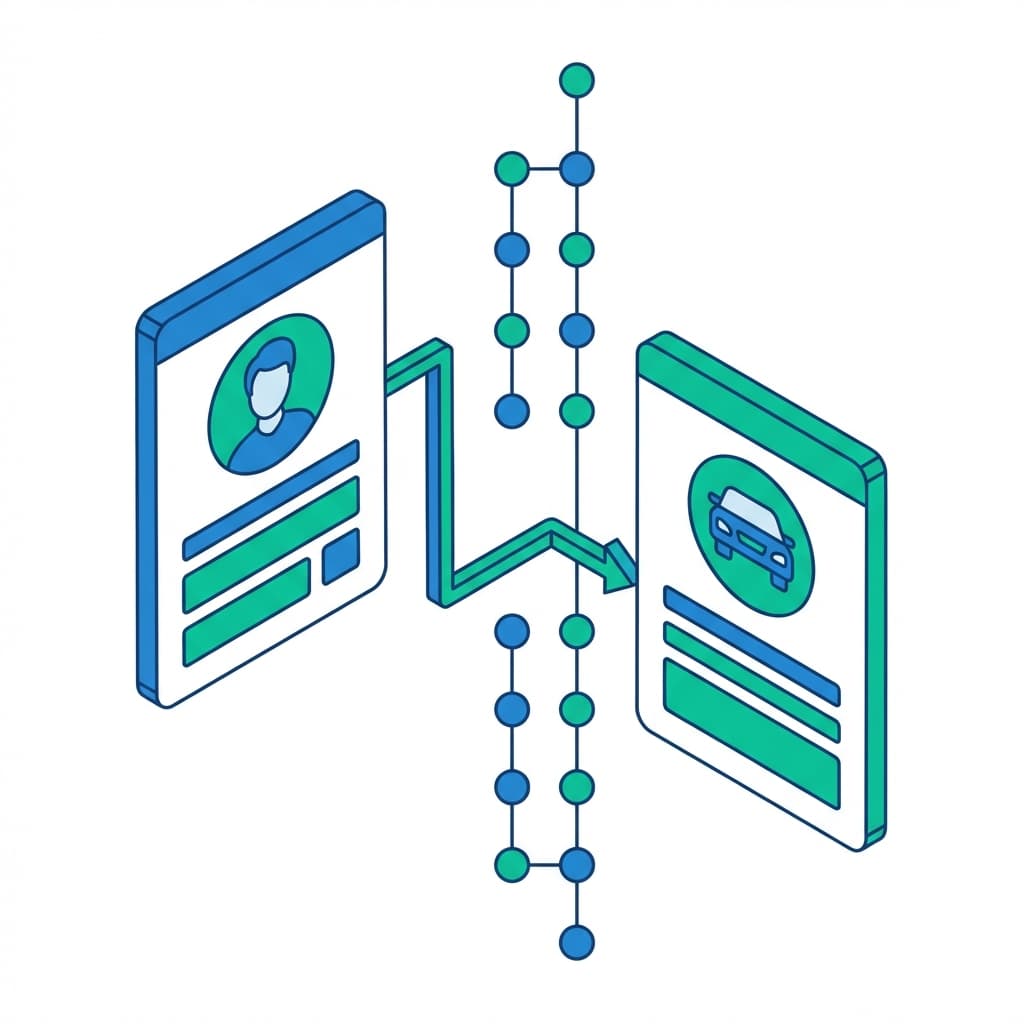
The customer calls, but the front desk has to hunt for their vehicles, notes, and previous work.

Customer records from first call to repeat work

Keep contact details, vehicles, history, reminders, quotes, and recommendations close to the jobs and invoices they belong to.

01/Customer Profiles

Keep customer records together

  • One record per customerContact details, vehicles, and notes live on a single screen, so nobody hunts across tabs to answer a simple question.
  • Add a customer in secondsCapture a new customer, attach a vehicle, and start a job without leaving the page or learning a manual.
  • VIPs flagged at a glanceYour highest-value and repeat customers stand out the moment their record opens, so the front desk treats them accordingly.
  • Shared notes that stickPreferences, warnings, and special requests stay on the record for every advisor, not buried in one person's memory.
Garage CRM software showing a customer profile with contact details, vehicles, and shared notes in one view
02/Service History

See vehicle service history fast

  • Every visit saved automaticallyEach job, part, and note attaches to the customer and vehicle on completion, with no extra data entry from the counter.
  • Per-vehicle work timelineSee the full maintenance record for a car in order, so recommendations and warranty checks take seconds, not a file search.
  • Answers while they're on the phoneAdvisors pull up the last service and parts fitted before the customer finishes their question.
  • Linked to bookingsHistory flows straight from the booking and job workflow, so the record stays current without manual updates.
Vehicle service history timeline showing past jobs, parts used, and maintenance records for a customer
03/Follow-Ups

Follow up without losing context

  • Reminders on the recordService-due dates and overdue follow-ups sit on the customer profile, so the next action is visible the moment you open it.
  • Context the whole desk sharesAdvisor notes and next steps are attached to the customer, not one staff member, so handoffs stay clean.
  • Quotes and recommendations trackedOpen quotes and suggested work surface for follow-up instead of quietly slipping through the cracks.
  • Built for CRM automationWhen you're ready, the same records feed automated reminders and campaigns without re-entering anything.
Garage CRM reminders and follow-up tracking showing service-due alerts and shared advisor notes
04/Customer Insights

Know who needs attention

  • Top customers surfacedSee who spends the most and visits most often, so loyalty efforts go to the relationships that actually drive revenue.
  • At-risk customers flaggedSpot customers who haven't been back in a while, in time to win them back before they go elsewhere.
  • A call list, not a dashboardClear lists tell the front desk exactly who to contact today and why, instead of charts to decode.
  • Deeper view in analyticsPush customer data into wider reporting to connect retention to revenue across the whole business.
Customer insights view listing top customers, repeat visits, and at-risk customers to follow up with

Ready to keep customer records connected?

See how autoGMS connects customers, vehicles, bookings, job cards, invoices, and follow-ups.

Loading live demo scheduler...

Customer Management: FAQs

Common questions about customer records, vehicle history, reminders, bookings, and follow-ups.

It keeps customer details, vehicles, notes, service history, quotes, reminders, and due work in one shared record for the front desk and workshop team.

Explore related features

View all features

Booking Management

Smart appointment coordination that prevents double-bookings.

Learn more

Job Cards & Bays

Visual workshop control with drag-and-drop job cards.

Learn more

CRM & Marketing

Automated marketing campaigns to bring customers back.

Learn more
View all features