autoGMS logo
autoGMS logo
Pricing
About
Sign in
Book demo
autoGMS

Garage management software made for auto repair shops. Manage jobs, bays, technicians, bookings, and customers in one platform.

hi@myautogms.com

Dubai, UAE · London, UK

Features

Garage Software OverviewOnline BookingCRM & MarketingAccounting & FinanceBusiness AnalyticsBooking ManagementCustomer RecordsParts InventoryJob Cards & BaysTechnician WorkloadVAT Compliance

Guides & Tools

  • Profit Calculator
  • Management Guide
  • Booking & Scheduling Guide
  • Automotive Glossary
  • Health Check
  • Invoice Generator
  • US Vehicle Lookup
  • Product Demo
  • AutoGMS vs Tekmetric

Shop Types

General Repair ShopsIndependent ShopsMobile Repair ShopsSpecialty Shops

Locations

DubaiAbu DhabiUAESaudi ArabiaKuwaitQatarBahrainOman

Company

AboutPricingBlogSecurityLogin

© 2026 autoGMS. All rights reserved.

PrivacyTerms
TwitterLinkedInMediumYouTube
Garage scheduling software

Garage Scheduling Software for Bays and Technicians

Plan online bookings, service durations, bay availability, technician schedules, reminders, and job handoffs from one workshop diary.

Live bay availability|Technician scheduling|Booking reminders

Scheduling that protects real workshop capacity

Garage scheduling should do more than collect appointments. autoGMS checks service duration, bay space, technician skills, and job timing before the diary fills up.

Explore Booking Management

Pick a confirmed slot

Shows only times that truly work

Collect vehicle details

Clear, simple steps for drivers

Technician assigned

Right skills, right bay—no clashes

Keep the diary tied to the workshop floor

Let customers request appointments online while your team keeps control of bay space, technician workload, service duration, and daily handoffs.

Let customers request appointments online while your team keeps control of the diary, bay capacity, and service details.
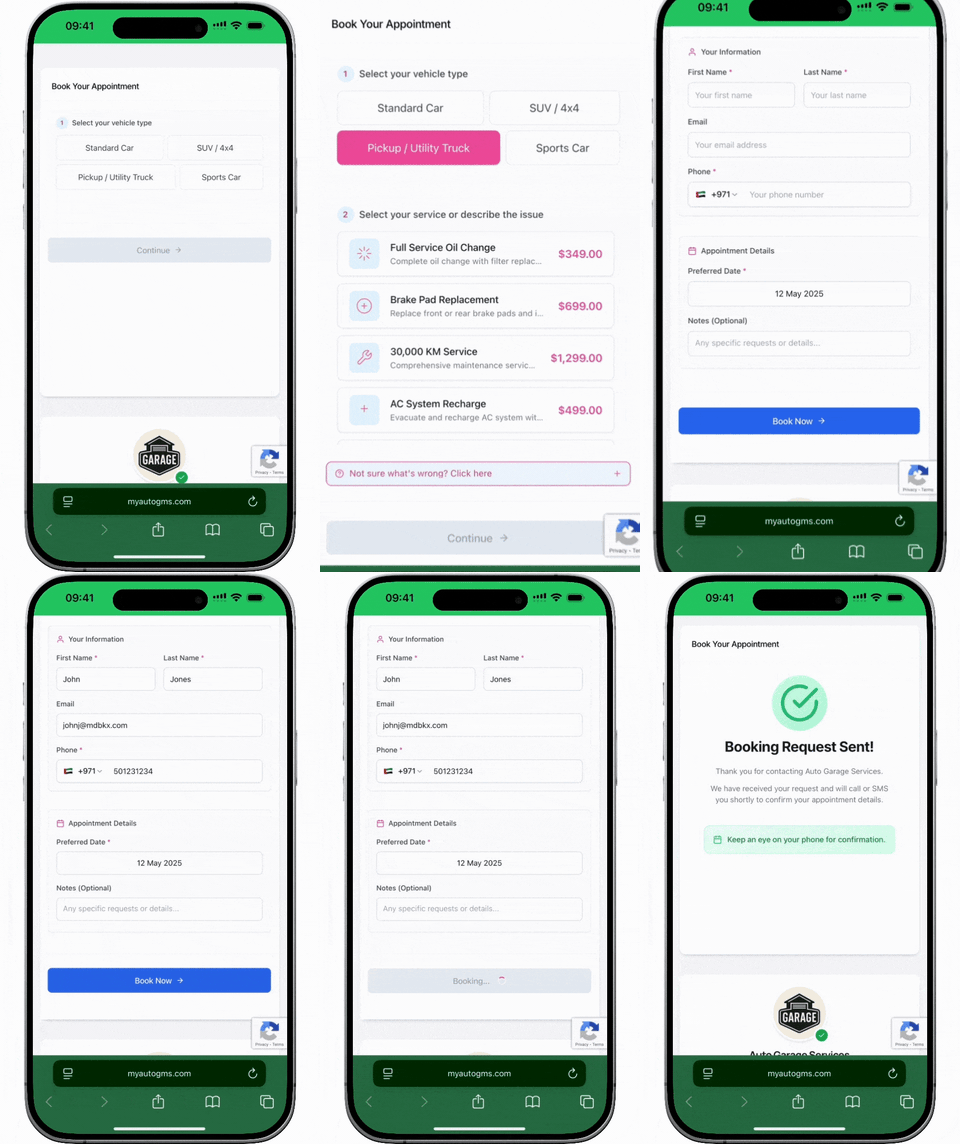
Customers schedule repairs without picking up the phone
The online diary captures bookings while you're closed
Instant confirmations build trust with live bay data

Mobile-first garage booking interface showing service selection, vehicle type chooser, date picker, and instant appointment confirmation for auto repair shops

Turn booking requests into planned workshop time

Give customers a simple way to request time while your team keeps the schedule tied to services, bays, technicians, and job handoffs.

Move requests out of chat

Chats are hard to schedule from. A booking flow captures service, vehicle, time, and contact details in one place.

Capture bookings around the clock

Customers can request appointments when the front desk is busy or closed, without leaving a voicemail.

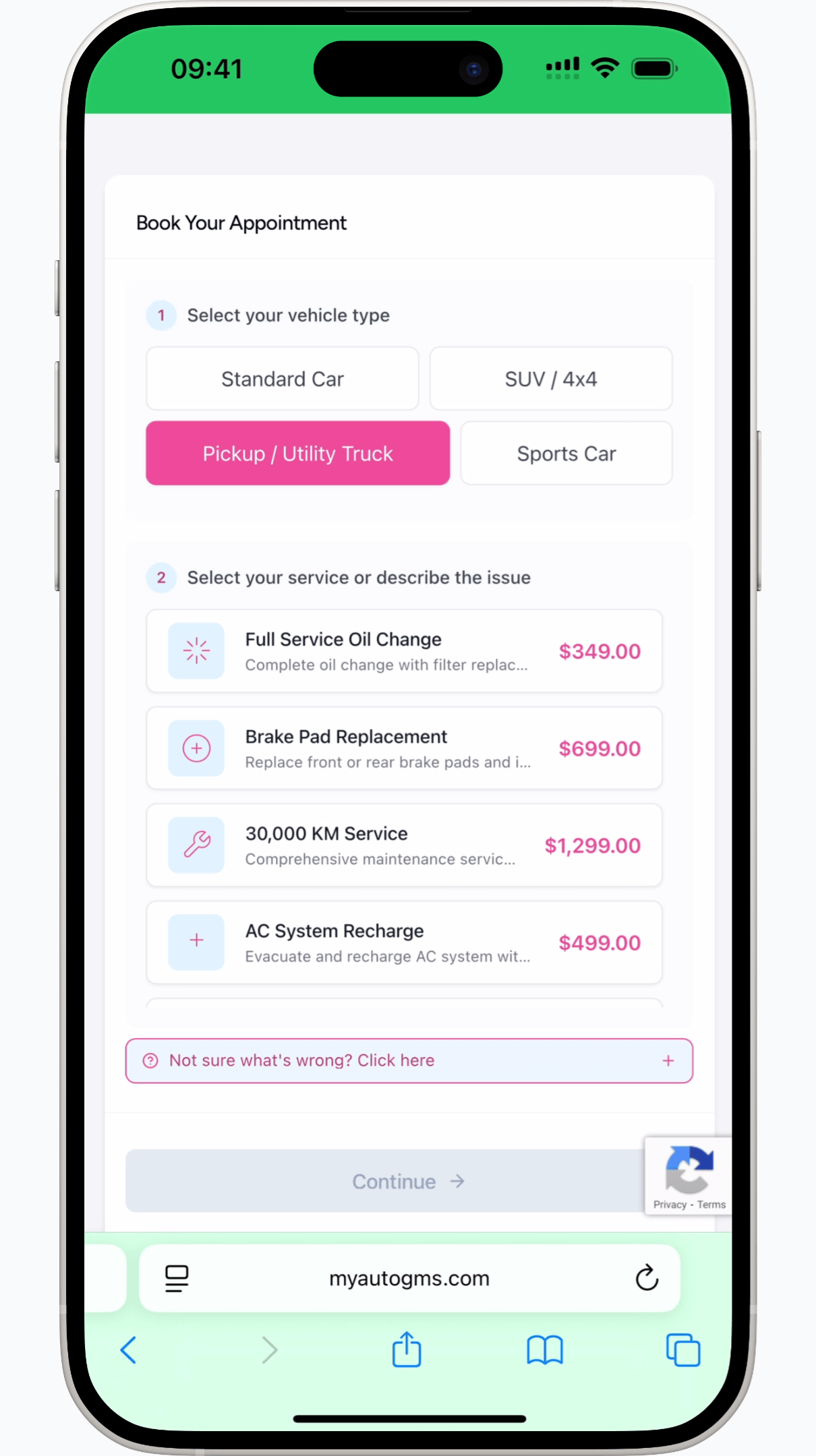
Simple mobile booking

A short mobile flow makes it easier for drivers to share the basics before the advisor confirms the job.
What you get:

One tap to book – no apps, no calls
Brand‑perfect pages with your logo
Real‑time bay availability
SMS & email confirmations
Mobile instant booking page mockup for autoGMS

Scheduling controls for auto repair shops

Keep the diary useful by connecting booking intake, bay availability, technician schedules, reminders, and job handoffs.

0/7
Online booking access
Let customers request appointments outside opening hours without relying on calls or chat threads.
0
Shared workshop diary
Keep advisors, technicians, bays, and bookings looking at the same schedule.
Live
Bay and technician availability
Show slots that match service duration, bay space, and the team needed for the work.
Auto
Confirmation reminders
Keep customers informed before arrival and keep the diary easier to trust.

Scheduling built for garages

Garage scheduling software that protects bays, technicians, and customer demand

The strongest scheduling searches are not looking for a generic appointment calendar. Garage owners need software that understands service durations, specialist technicians, limited bays, diagnostic time, parts constraints, and customers who expect fast confirmation.

autoGMS turns online requests into planned workshop time. It gives customers a simple booking experience while keeping your internal calendar tied to real availability and a clear next step for the team.

Schedule against real capacity

A normal calendar accepts appointments. autoGMS keeps scheduling tied to bay availability, technician skills, job duration, buffers, and location rules.

See bay control

Capture after-hours demand

Drivers often search and request appointments outside office hours. The booking flow collects service, vehicle, location, and contact details for the team.

See booking management

Give advisors cleaner intake

Each booking can carry customer details, vehicle history, selected services, reminder status, and notes so the front desk does not rebuild the appointment from scratch.

See customer management

Keep reminders close to the diary

Confirmation status, reminders, rescheduling, and follow-up notes stay connected to the appointment instead of scattered across calls and messages.

See reminders

Scheduling tools for real workshop capacity

Capture booking requests, balance the diary, protect bay space, and keep reminders tied to the appointment.

01/Online Booking

Capture after-hours bookings

  • Always-on booking pageDrivers choose a service, share vehicle details, and request a slot when your phones are quiet.
  • Real availability shownThe flow can surface times that fit your bays, services, and technician availability.
  • Clear confirmation statusYour team can see which requests are confirmed, pending, or need attention.
  • One simple flowService, vehicle, location, and time live in a single mobile-first journey.
See booking management
24/7 online garage booking system showing service selection, live availability, and instant confirmation for auto repair customers
02/Smart Diary

Keep the diary balanced

  • Jobs matched to capacityBookings can be planned around the bay, technician, and skill needed for the work.
  • Real gaps, real timingsService durations, buffers, and diagnostic time help the diary reflect how long work actually takes.
  • Less reshufflingThe scheduler helps advisors place work into genuine openings instead of guessing from a plain calendar.
  • Capacity you can trustConfirmed appointments stay tied to the workshop capacity behind them.
See booking management
Auto repair scheduling software showing automatic job-to-bay matching, service durations, and a balanced workshop diary
03/Bay Control

Protect bays from clashes

  • Avoid overlapping jobsBay planning helps stop two jobs from being placed onto the same space at the same time.
  • Specialist bays protectedAlignment rigs, lifts, and diagnostic spaces can be reserved for work that needs them.
  • Busy periods easier to readAdvisors can see where demand is building before the floor gets crowded.
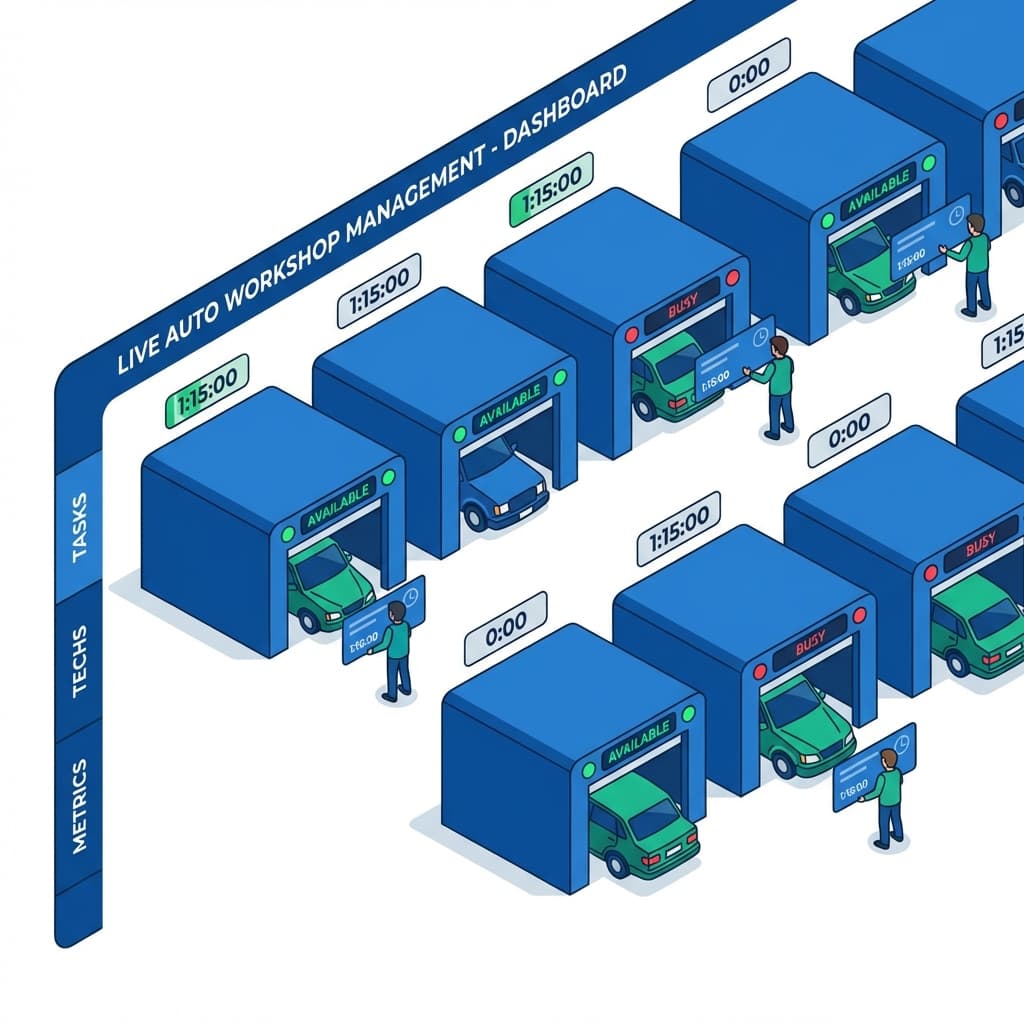
  • Live floor viewMove jobs between bays and spot bottlenecks on a real-time board before they slow the whole day down.
See job cards & bays
Real-time workshop bay control board showing bay assignments, specialist equipment reservations, and live job progress
04/Reminders

Send reminders before the slot

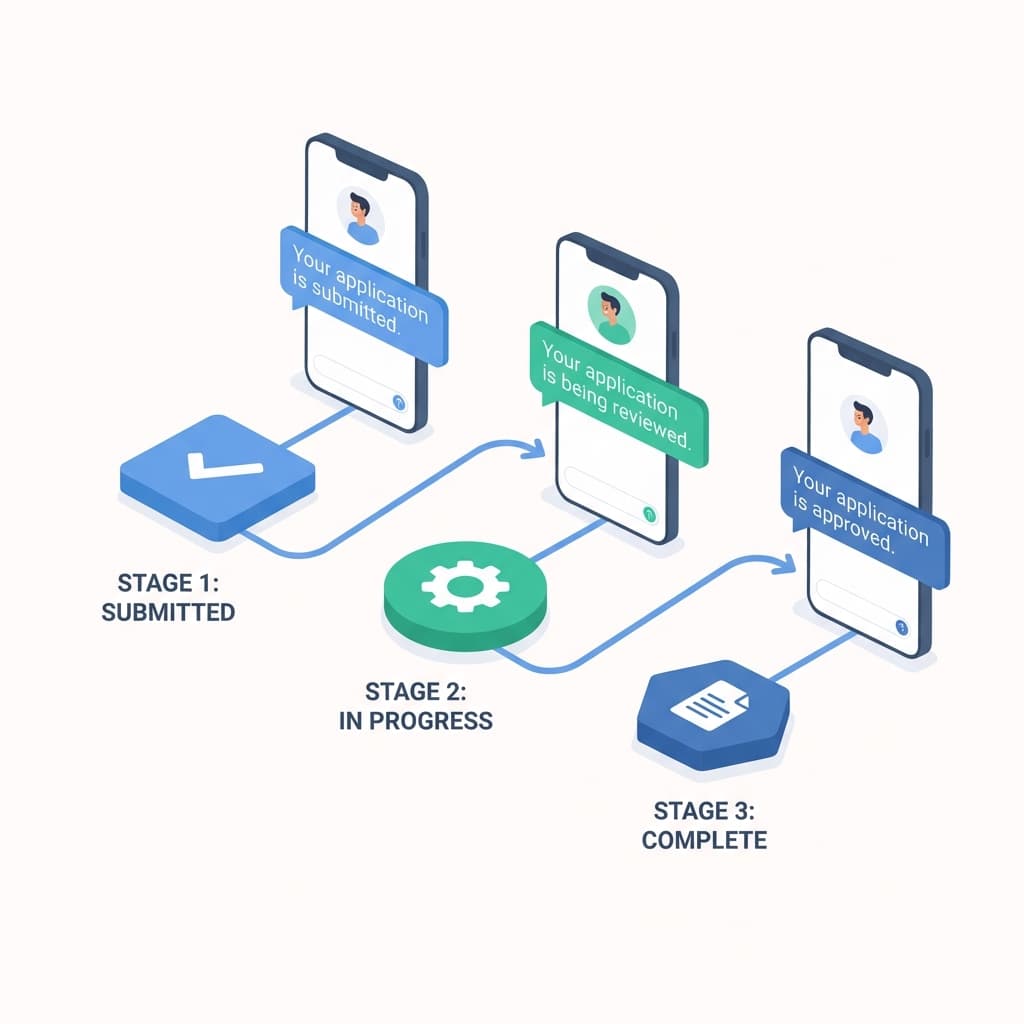
  • Reminder nudgesTimed reminders keep appointments visible before arrival.
  • Confirmation statusAdvisors can see which customers have confirmed, rescheduled, or still need attention.
  • Cleaner reschedulingWhen plans change, the appointment can stay connected to the same customer and vehicle record.
  • Techs stay in syncConfirmed jobs can carry notes and status into the technician workflow.
See CRM & reminders
Garage appointment reminders and confirmation status connected to the workshop schedule

Ready to control the workshop diary?

See how autoGMS connects booking requests, bay availability, technicians, reminders, and job handoffs.

Loading live demo scheduler...

Garage Scheduling: FAQs

Common questions about booking requests, bay availability, technician schedules, reminders, and job handoffs.

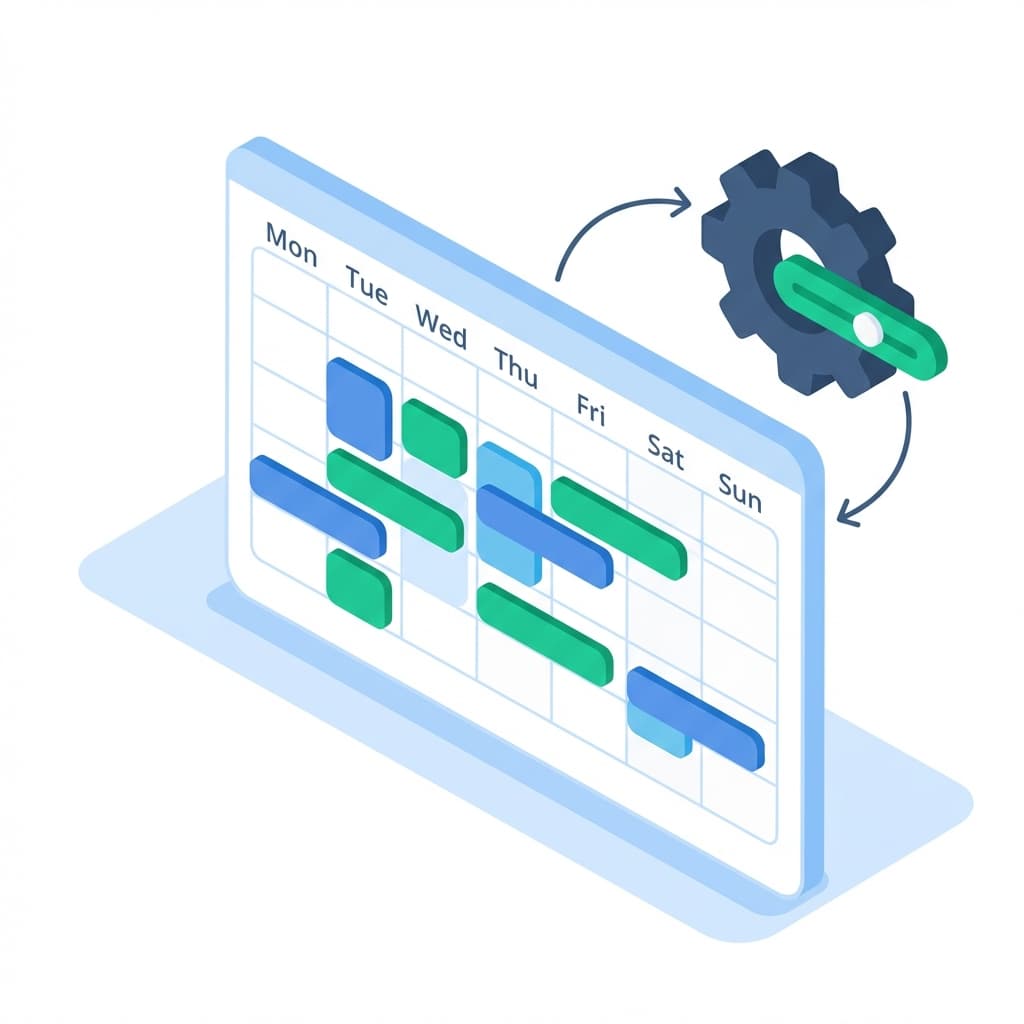
It helps repair shops manage online booking requests, service durations, bay availability, technician schedules, reminders, and job handoffs in one workflow.

Explore related features

View all features

Job Cards & Bays

Visual workshop control with drag-and-drop job cards.

Learn more

Customer Management

Complete customer profiles with full service history.

Learn more

Business Analytics

Real-time revenue insights and performance metrics.

Learn more
View all features