autoGMS logo
autoGMS logo
Pricing
About
Sign in
Book demo

Products & Features

Garage Management SoftwareGarage Booking EngineGarage CRM & MarketingAuto Repair Accounting & FinanceGarage Business AnalyticsGarage Booking ManagementGarage Customer Management (CRM)Garage Inventory ManagementGarage Job Cards & BaysGarage Technician WorkloadGeneral Repair Shop SoftwareIndependent Auto Shop SoftwareMobile Auto Repair SoftwareSpecialty Auto Shop Software

Resources

  • Profitability Calculator
  • Garage Management Guide
  • Automotive Glossary
  • Workshop Efficiency Quiz
  • Invoice Generator
  • Vehicle Check Tool
  • US Vehicle Lookup
  • Global Vehicle Lookup
  • Garage Health Assessment

Regional Solutions

Dubai Garage SoftwareAbu Dhabi Garage SoftwareUAE Garage SoftwareSaudi Arabia Garage SoftwareKuwait Garage SoftwareQatar Garage SoftwareBahrain Garage SoftwareOman Garage SoftwareVAT Compliant SoftwareBooking & SchedulingSoftware DemoAutoGMS vs Tekmetric

Company

AboutPricingBlogSecurityLogin

Contact

  • hi@myautogms.com
  • Get in Touch

Offices

  • Dubai, United Arab Emirates
  • London, United Kingdom

Garage management software made for auto repair shops. autoGMS helps you manage jobs, bays, technicians, bookings, and customers — all in one platform.

© 2026 autoGMS. All rights reserved.

PrivacyTerms
TwitterLinkedInMediumYouTube
Garage booking management software

Turn bookings into alive dispatch board

Place unscheduled work faster, assign the right technician sooner, and keep the whole workshop looking at the same plan from day view through to week and month.

Technician lanes|Drag-to-schedule|Day, week, and month visibility

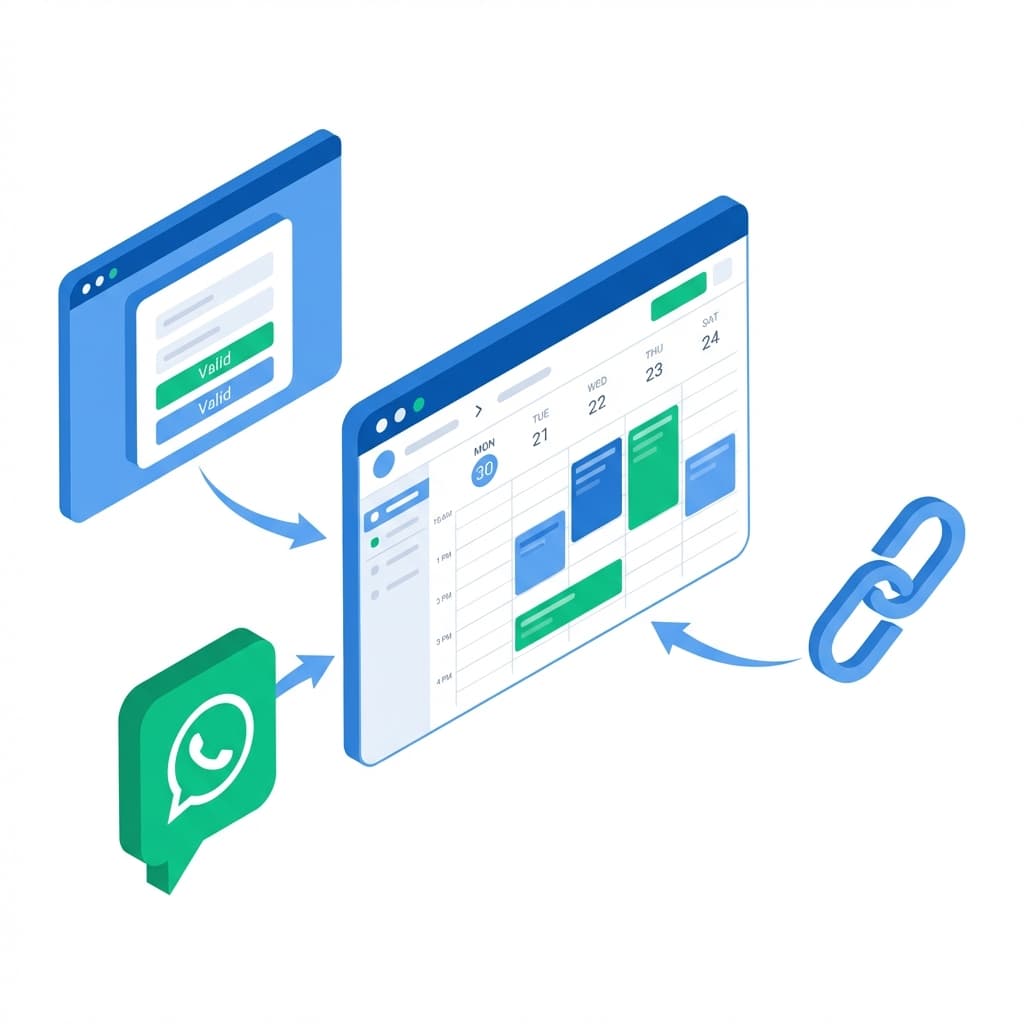
Run the front desk and workshop from the same calendar

autoGMS gives your team one place to place untimed work, assign the right technician, and keep the wider diary readable when the day starts moving.

All-day queue

Keep unscheduled active bookings visible until the team places them

Technician lanes

See who owns the work and rebalance the day with a drag

Move and resize

Shift timing, reassign work, and extend jobs without reopening forms

See How It Works

Stop running the diary separately from the workshop

A booking calendar only helps if the team can actually run the day from it. When untimed work sits in notes, technician ownership lives in someone's head, and every delay means more admin, the workshop loses speed long before it loses capacity.
See the solution in action

Bookings are arriving, but the workshop still has to decide who is taking them and when.

Dispatch workflow

Give the team one simple way to place, move, and protect work

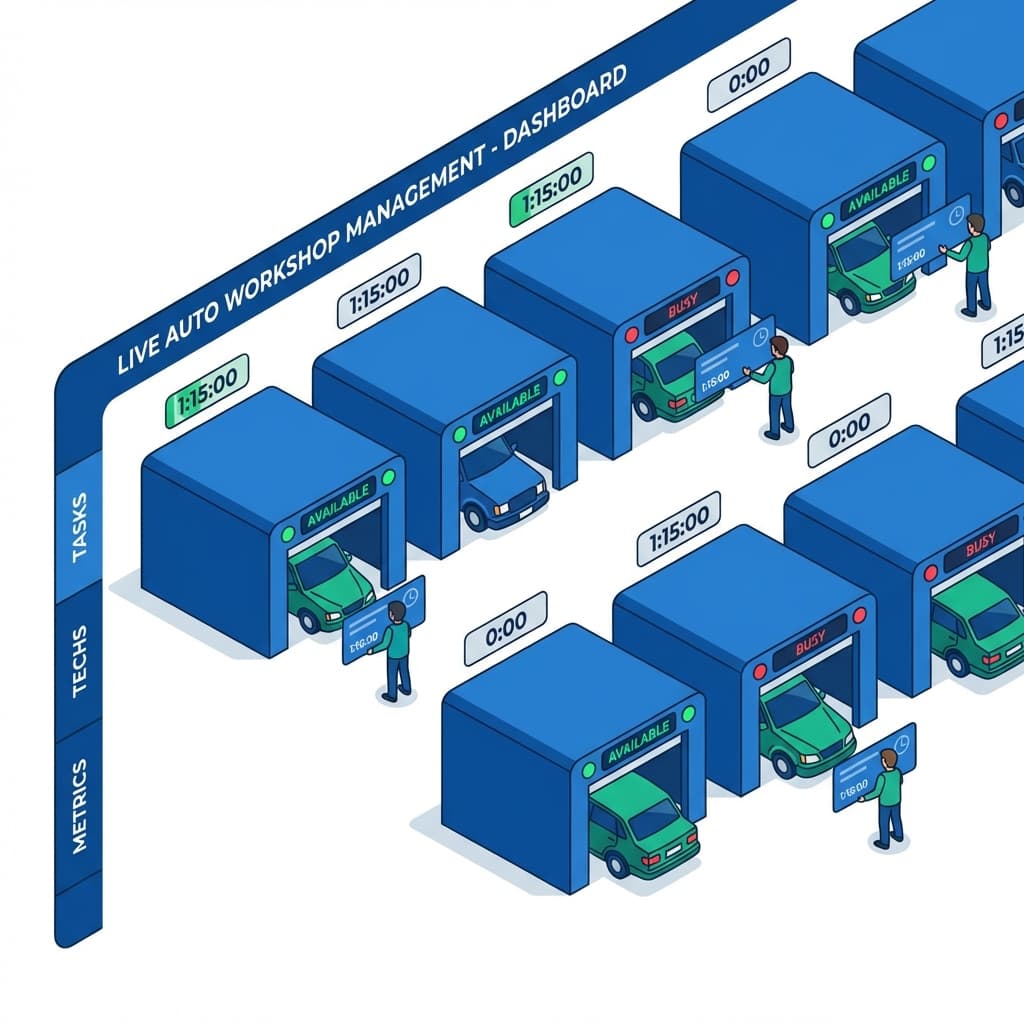
The calendar should not stop at customer booking. autoGMS turns the same booking record into a live dispatch surface, so the front desk, workshop controller, and technicians stay on the same timeline.

Workshop dispatch workflow inside autoGMS
Step 01

Keep new work visible at the top

Unscheduled active bookings stay in the all-day row until the team is ready to place them.

Step 02

Drop work into the right technician lane

Drag into a lane and the booking gets a real time plus a primary technician in one move.

Step 03

Stretch or move the booking as the day changes

Extend the job from the bottom edge or move it to another slot without rebuilding the appointment.

Step 04

Let rules and reminders protect the plan

Buffers, confirmations, and customer comms keep the diary realistic while the team works live.

Keep the whole schedule readable as the day gets busy

Day view is for dispatch. Week and month stay clean for planning. Rules, reminders, and service settings still sit underneath the same calendar.

Live Dispatch

Dispatch the day in technician lanes

Give the workshop a day view that looks like real work, not a flat diary. autoGMS shows a clear Unassigned lane, one lane per technician, and a live timeline for the day so advisors can place work where it will actually get done. Move a booking into another lane and the primary technician moves with it.
Technician lane dispatch calendar
Fast Scheduling

Turn unscheduled bookings into timed work in seconds

Keep active date-only bookings visible in the all-day row until someone places them. Then either click an empty time or drag the booking straight into the day board. Once it is on the calendar, drag the card to another time, move it to another technician, or pull the bottom edge to book more time without reopening forms.
Scheduling unscheduled bookings into the calendar
Readable Planning

Keep week and month readable when the diary fills up

The day board is for dispatch. Week and month stay focused on planning. autoGMS shows clear daily booking counts, keeps all-day work visible without letting it take over the page, and gives the front desk a calmer way to scan what is coming without losing the detail they need in day view.
Readable week and month planning views
Rules + Protection

Wrap the calendar in booking rules, reminders, and buffers

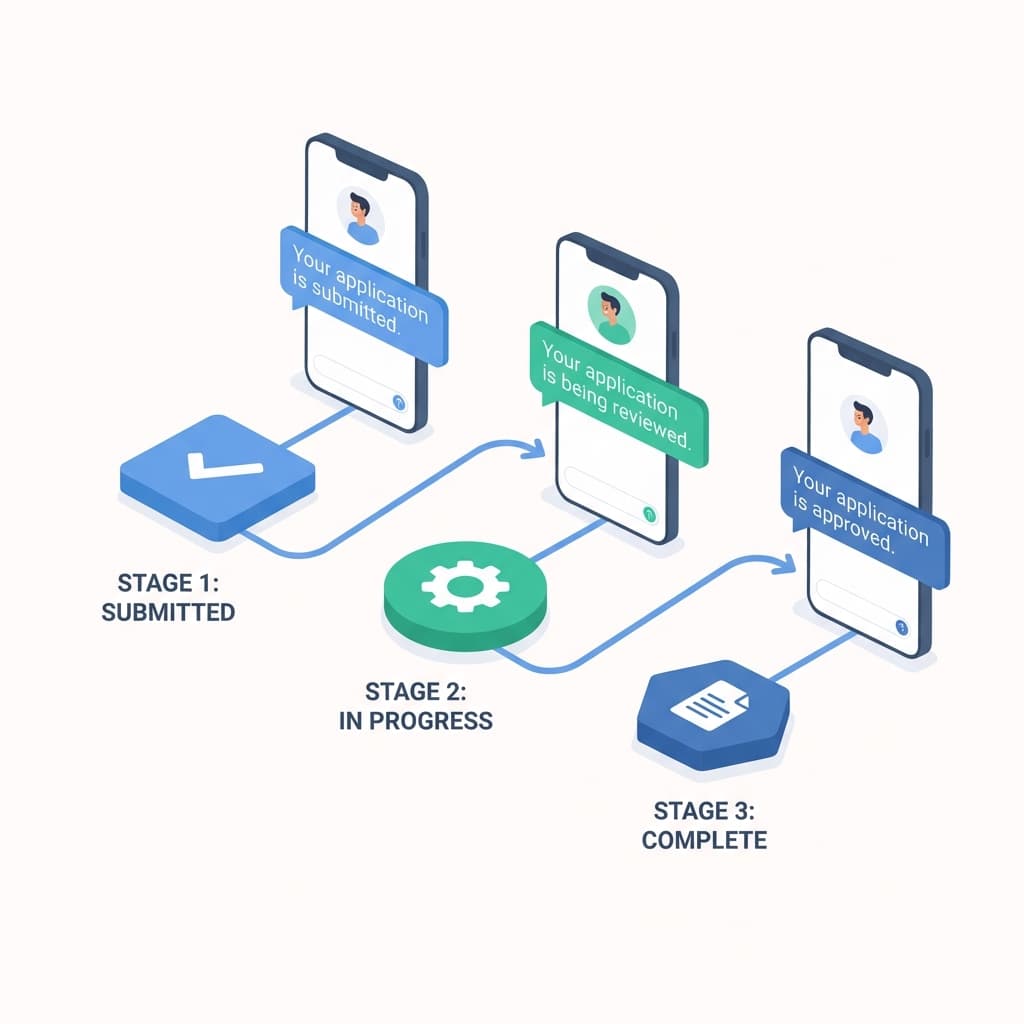
Dispatch is only half the job. You still need rules that stop the diary falling apart. Set booking windows, service durations, buffers, blackout periods, reminders, and no-show protection around the calendar so the team can move quickly during the day without sacrificing control or customer communication.
Booking rules and customer reminders
Workshop feedback

What changes when the calendar becomes operational

Garages do not need more calendar admin. They need a clearer way to see ownership, move work, and keep the front desk aligned with the floor.

DT

David Thompson

Service Manager

“The biggest change was seeing unscheduled work stop floating around. The team can now drag jobs into the right technician and actually run the day from the calendar.”

Clearer daily dispatch

RK

Rachel Kim

Owner

“Week and month finally make sense again. We can scan load quickly, then drop into day view when the front desk needs to move work live.”

Faster rescheduling

Ready to run bookings like a real dispatch board?

See how the front desk can place work faster, keep technician ownership clear, and still hold onto booking rules, reminders, and wider planning.

Questions about the live dispatch calendar

What garage teams usually ask once they see technician lanes, unscheduled work, and live booking movement in the same calendar.

Explore related features

View all features

Job Cards & Bays

Visual workshop control with drag-and-drop job cards.

Learn more

Customer Management

Complete customer profiles with full service history.

Learn more

Business Analytics

Real-time revenue insights and performance metrics.

Learn more
View all features