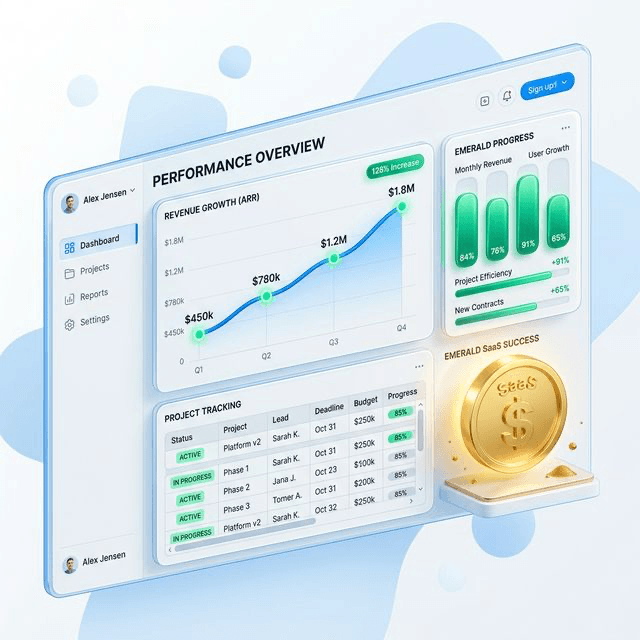
Invoices, VAT, payments, and financial reports

Auto Repair Finance Reports for Invoices, VAT, and Payments

See what each repair earned, what is owed, what tax is due, and what your accountant needs without rebuilding the numbers at month-end.

VAT-ready invoicesP&L and cash flow reportsDeposits, credits, and exports
Use Profitability Calculator

From completed job to owner-ready numbers

autoGMS keeps the money trail attached to the job record, so the owner can read live figures instead of waiting for someone to rebuild invoices, costs, tax, and balances later.
See Finance in Action

Invoices and payments

Raise invoices from repair work, collect partial or full payment, and keep deposits and credits tied to the same customer record.

VAT and expenses

Track output VAT, recoverable VAT, supplier bills, recurring overheads, and the costs that shape real job margin.

P&L and cash flow

Use built-in reports for Profit & Loss, cash flow, aged receivables, aged payables, VAT, ledger, balance sheet, and account balances.

Your garage numbers fall apart when finance leaves the workflow

The damage usually happens after the job is done: invoice changes live in one place, payments in another, VAT in a spreadsheet, supplier costs in a pile, and overdue balances in someone's head. By month-end, the owner is trying to reconstruct the business instead of reading it.
See the finance workspace

When invoices, supplier costs, VAT totals, and overdue balances live in different systems, owners lose the thread. You should not need a spreadsheet reconstruction just to answer whether the workshop is actually healthy.

Finance reports built into daily operations

This is not a disconnected card terminal story. It is a workshop finance layer built around invoices, deposits, credits, expenses, VAT, reporting, and accountant handoff.

01Workshop Reporting

Eight finance reports

  • Eight reports, one sourceProfit & Loss, Tax / VAT, Aged Receivables, Aged Payables, General Ledger, Cash Flow, Balance Sheet, and Account Balances all draw from the garage data your team already enters.
  • No separate bookkeeping passBecause every invoice, payment, and expense is already attached to a job, the reports build themselves instead of waiting on a month-end data dump.
  • Owner-readable, not just accountant-readableEach report leads with the number that matters so owners can answer "is the workshop healthy" without decoding a ledger.
  • Drill from headline to detailOpen any total to see the underlying invoices, expenses, and movements that produced it, with nothing hidden behind a summary.
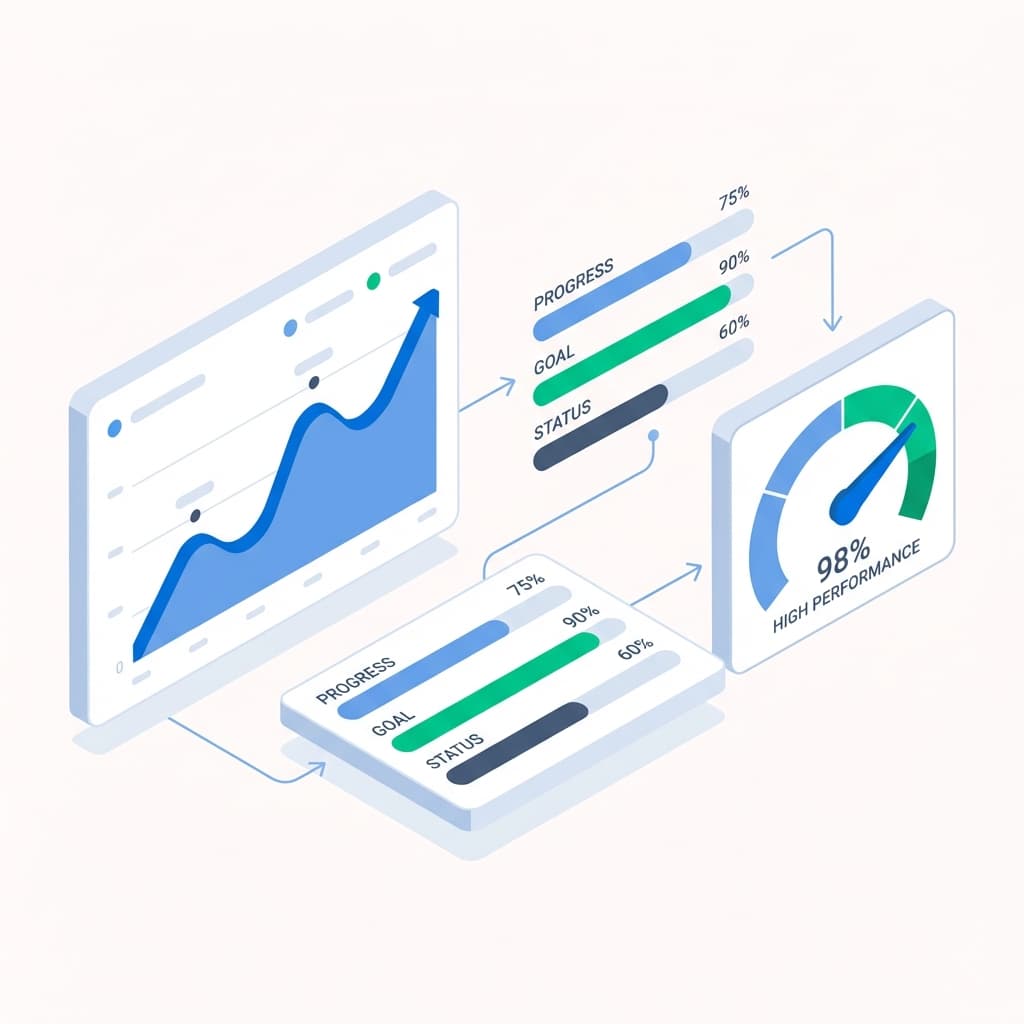
02VAT & Expenses

Track VAT and expenses

  • Recoverable VAT, tracked both waysTax collected on sales and tax paid on expenses are recorded as they happen, so output tax, input tax, and net VAT due are always current.
  • One-off and recurring overheadsLog rent, subscriptions, and supplier bills once, and let recurring costs repeat automatically instead of being re-keyed each month.
  • Cost data sits next to the workSupplier-side spend stays close to the jobs it supports, so margins reflect real cost rather than a guess.
  • Truer margins with inventory and COGSPair expense tracking with parts costing to see what a job actually earned after materials, not just labour.
03Receivables & Payables

Control receivables and payables

  • See who owes you, and how longAging buckets group outstanding customer invoices by age so overdue balances surface before they turn into bad debt.
  • Track what you owe suppliersPayables aging shows upcoming and overdue supplier obligations so a busy month does not quietly drain your cash.
  • Booked revenue versus real cashA full diary does not guarantee healthy cash flow; these views show the gap between work billed and money actually collected.
  • Connected to garage analyticsTie operational throughput to cash movement to see whether more jobs are genuinely translating into more money in the bank.
04Deposits & Credits

Handle deposits and credits

  • Take deposits before work startsCreate deposit invoices, record the payment, and carry the available balance forward to apply against the final invoice automatically.
  • Line-item credit notesIssue credits against specific invoice lines to reduce a balance cleanly instead of editing a past financial event in place.
  • Audit trail across every movementInvoice, deposit, and credit events stay linked and traceable, so corrections never leave a hole in the history.
  • Stage billing for longer jobsProgressive project-mode billing lets you invoice in stages as a large repair advances rather than waiting for completion.
05Accountant Handoff

Export clean records for accountants

  • Excel exports from every reportSend your accountant the underlying figures directly from the report header instead of rebuilding spreadsheets at month-end.
  • Methodology and integrity viewsEach report explains how its numbers were derived and flags inconsistencies, so the handoff is easier to trust.
  • Built for operational financeautoGMS gives owners clarity inside the workshop while statutory filing and final sign-off stay with your accountant.
  • Next layers: VAT compliance and public APIAdd regional tax workflows and connected data exports when your reporting needs to reach beyond the garage.

Finance workflows that stay clean under pressure

The strongest differentiator is not one payment screen. It is how autoGMS keeps billing, payment, expense, and correction workflows tied back to the workshop record.

Invoice-to-cash control

Generate invoices from work, send them out, collect partial or full payment, and keep version history and corrections visible.

Expense-to-VAT workflow

Capture one-off and recurring overheads, record recoverable VAT, and keep supplier-side expense data available for reporting.

Deposit handling that stays linked to the job

Take money before work starts, track the available balance, and apply it later to the right invoice without manual reconciliation.

Credit notes with cleaner history

Issue line-item credits, reduce invoice balances, and preserve traceability instead of editing past financial events in place.

Monthly actuals and planning visibility

Use financial actuals and forecast views to watch recurring indirect costs and workshop performance over time.

Role-aware access and accountant exports

Keep finance access at owner and admin level while still producing exports that make external review easier.

Built for operational workshop finance, not year-end statutory close. Use autoGMS to stay on top of profitability, VAT, expenses, and billing corrections, then export cleaner records for your accountant. If regional tax workflows matter, the VAT-compliant garage software page and public API story are the next relevant layers.

See the finance reporting workflow in a live demo

Review invoices, VAT, reports, and accountant handoff.

Loading live demo scheduler...

Finance Reports FAQs

Common questions about VAT, reports, and exports.

Auto repair finance reports keep invoices, payments, deposits, credits, expenses, VAT, and owner-facing numbers connected to the repair work that created them, so garages do not rebuild the business from separate spreadsheets.