VAT Report in AutoGMS
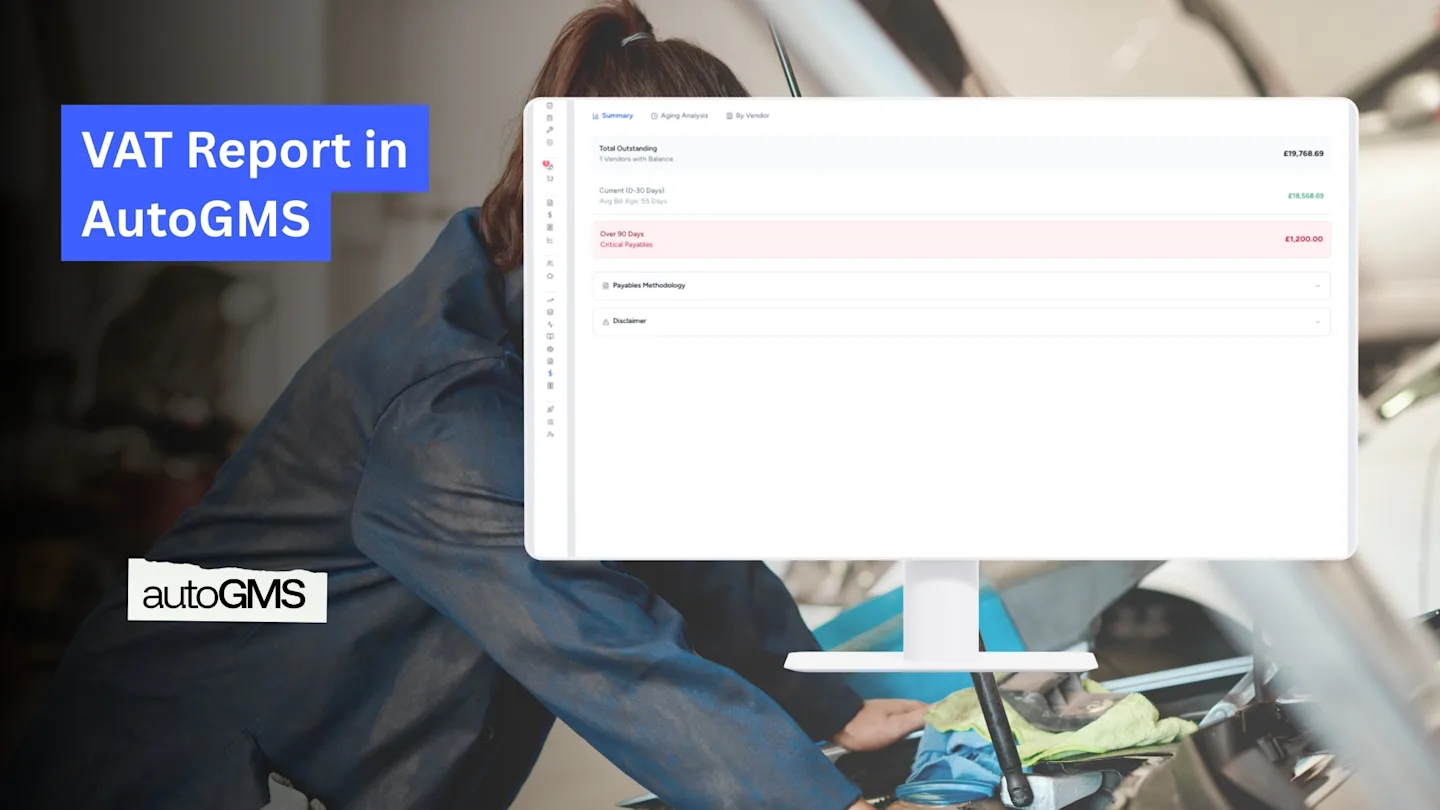
Track VAT collected and VAT paid with the AutoGMS VAT Report. Monitor output tax, input tax, taxable turnover, and export reports easily.
On this page
Accurate VAT tracking is essential for any VAT-registered garage. The VAT Report in AutoGMS provides a structured breakdown of:
VAT collected from customers (Output VAT)
VAT paid on purchases (Input VAT)
Taxable turnover
Net VAT payable or refundable
Instead of manually reconciling invoices and expenses, AutoGMS automatically calculates everything based on recorded transactions.
You can access it from:
Finance → VAT Report
At the top right, you can:
Select the reporting period
Export the report
Switch between Summary, Tax Collected (Sales), and Tax Paid (Purchases)
VAT Summary Tab
The Summary tab gives a clear high-level overview of your VAT position for the selected period.
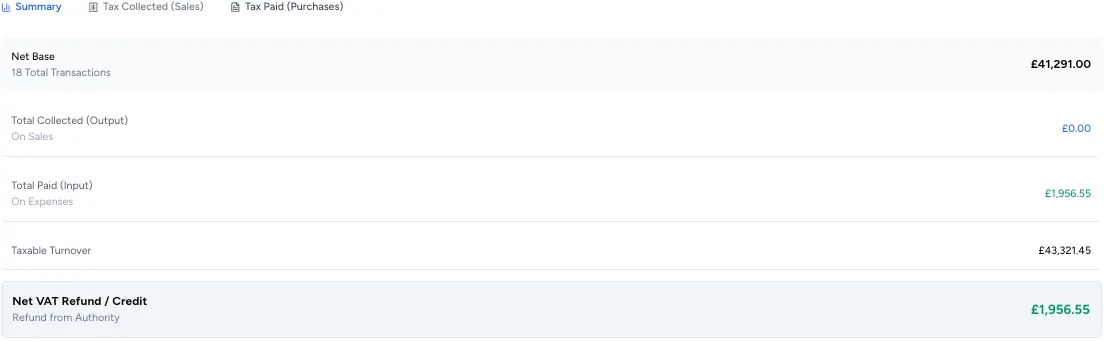
Net Base
Total net value of transactions included in the period.
Total Collected (Output VAT)
VAT charged on customer invoices.
This is calculated from:
Sales invoices
Bookings converted to invoices
Taxable services and parts
Total Paid (Input VAT)
VAT paid on business purchases and expenses.
This is calculated from:
Expense entries
Supplier bills
Cost of goods sold
Taxable Turnover
Total taxable revenue for the selected period.
Net VAT Refund / Credit
AutoGMS calculates:
Output VAT minus Input VAT
If Output VAT is higher, you owe VAT. If Input VAT is higher, you are due a refund or credit.
This automatic calculation reduces manual errors and simplifies reporting.
Tax Collected (Sales) Tab

This tab breaks down VAT charged to customers by VAT rate.
You can see:
VAT Rate (e.g., 5%, 0% Exempt)
Net Amount
VAT Tax Amount
Gross Amount
Count of transactions
This helps you:
Verify VAT rates applied correctly
Ensure zero-rated transactions are separated
Confirm total output VAT before filing
All values are calculated directly from issued invoices within the selected period.
Tax Paid (Purchases) Tab
This tab shows VAT paid on business expenses.
You will see:
Expense description or category
Net Amount
VAT Tax Amount
Gross Amount
Count of transactions
This section reflects VAT recorded in:
Supplier bills
Inventory purchases
Operational expenses
Only expenses with VAT applied are included.
This ensures accurate input VAT tracking for reclaim purposes.
Tax Methodology
The VAT Report is generated based on:
Accrual Accounting Transactions are recorded when they occur, not when payment is received.
System-Based Tax Mapping VAT values are calculated based on the VAT rate assigned to invoices and expense categories.
Only transactions within the selected reporting period are included.
Exporting the VAT Report
You can export the VAT Report using the Export button in the top right corner.
This allows you to:
Share with your accountant
Submit to tax authorities
Keep compliance records
Why the VAT Report Matters for Garages
Garages handle:
Service labor
Parts and materials
Supplier purchases
Operational expenses
Without structured VAT tracking, it becomes difficult to:
File correctly
Avoid penalties
Monitor tax liabilities
AutoGMS centralizes VAT calculations so everything is linked to real transactions inside your system.
Conclusion
The VAT Report in AutoGMS provides a structured and reliable way to track tax collected and tax paid. With automatic calculations, categorized breakdowns, and export functionality, garage owners can stay compliant without complex spreadsheets.
Instead of manually reconciling invoices and expenses, AutoGMS keeps your VAT position clear and transparent at all times.
Frequently asked questions
How is VAT calculated in AutoGMS?
VAT is automatically calculated based on the VAT rate assigned to each invoice and expense category.
Does the VAT Report include unpaid invoices?
Yes. The report follows accrual accounting and includes transactions recorded within the selected period.
Can I export the VAT Report for submission?
Yes. You can export the report directly from the VAT Report page.
What happens if my Input VAT is higher than Output VAT?
The system will show a Net VAT Refund or Credit, meaning you may be eligible for a refund depending on local tax regulations.